
Workflows
Input Types
Workflows
Input Types
Understand how AI Chat Assist collects and validates user responses through configurable input types.
Input Types
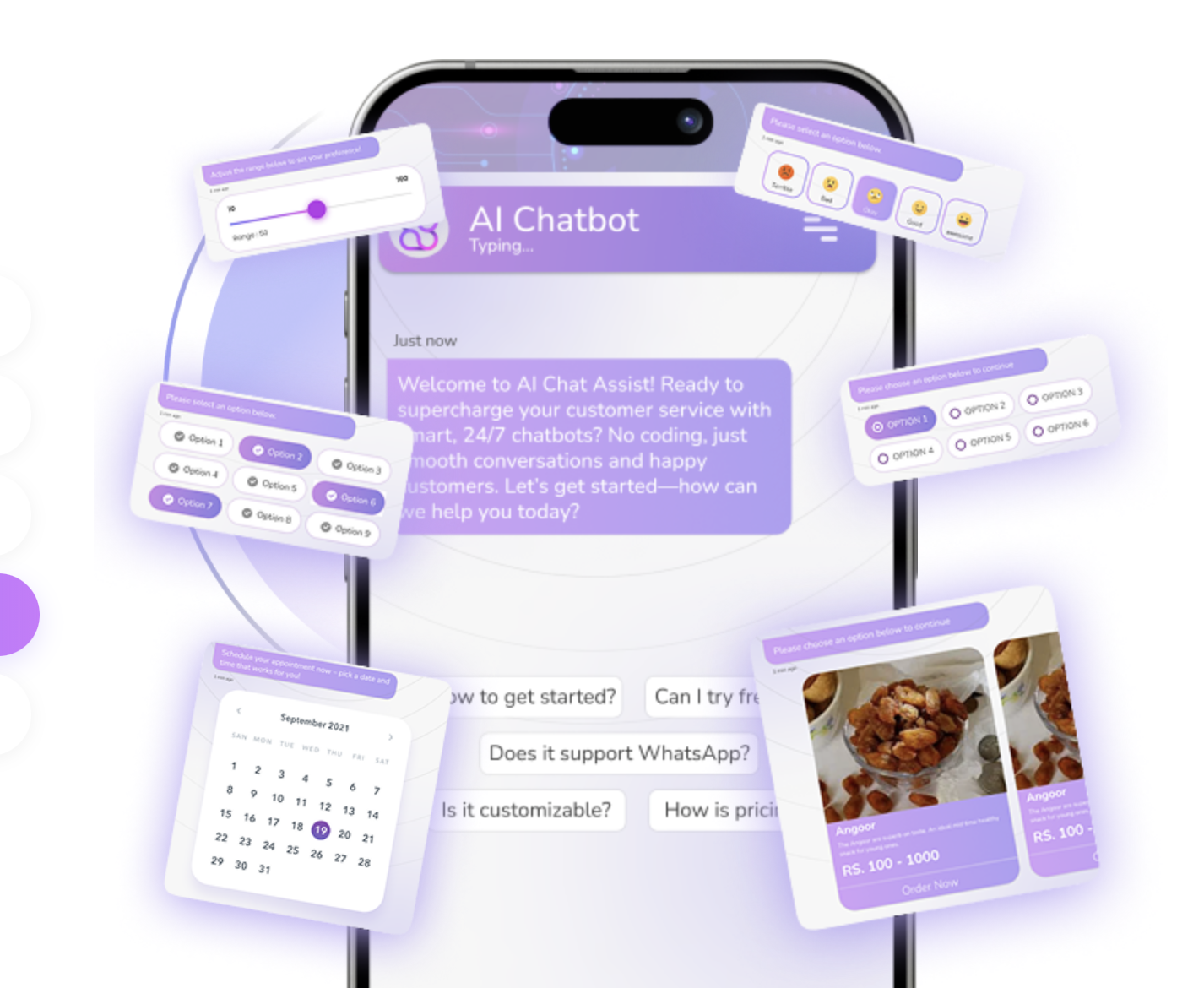
What Are Input Types?
Input types define how the chatbot interacts with users and what data is collected. Each input type:
- Asks a specific question
- Validates the response
- Stores the value for later use
Supported Input Types (Detailed)
Text
- Free-form user input
- Used for descriptions, feedback, open questions
- Validates email format
- Automatically saved to the lead profile
WhatsApp / Phone
- Validates phone numbers
- Enables WhatsApp campaigns and follow-ups
Yes / No
- Binary decision making
- Commonly used in qualification flows
Multi-Select
- Allows multiple choices
- Useful for preferences, services, interests
Range
- Numeric value selection
- Used for budgets, ratings, quantities
Rating / Opinion Scale
- Feedback and surveys
- Customer satisfaction measurement
Date
- Appointment scheduling
- Timeline-based logic
Links
- Redirect users to pages
- Track link clicks
Custom API
- Fetch or send data to external systems
- CRM, ERP, internal tools
Input Validation & Storage
Invalid inputs are rejected automatically. Valid data is stored as:
- Lead attributes
- Conversation metadata
- Segmentation criteria
Use this data across workflows for personalization, automation, and reporting.